


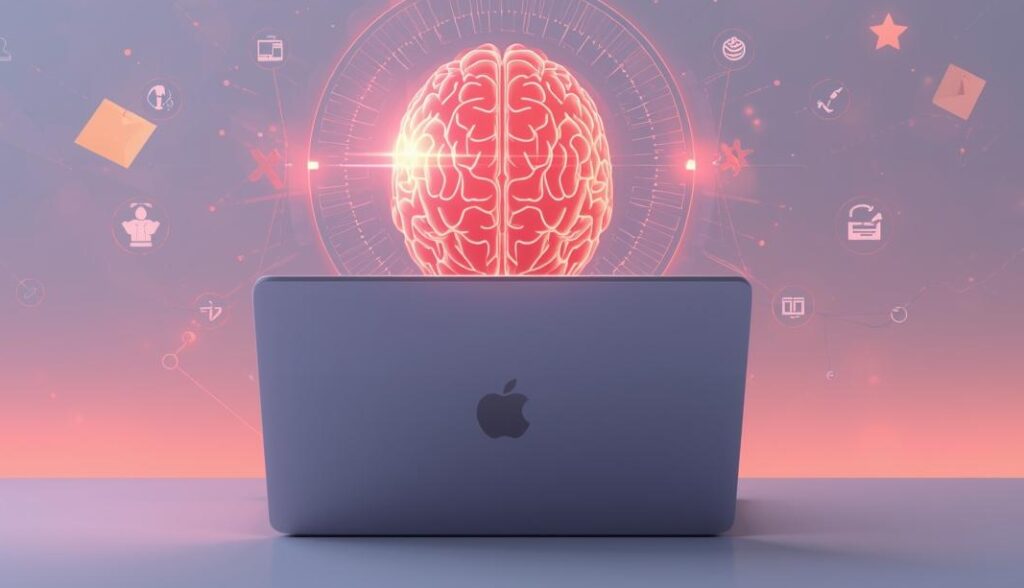
The future of note-taking isn’t just about storing information — it’s about understanding it, connecting it, and resurfacing it when you actually need it. Traditional apps give you pages and folders. The new generation of AI note-taking apps gives you something far more valuable: a digital brain that understands your work and supports your thinking.
After testing countless tools, I’ve narrowed the field to three standout options — each built for a different kind of user. There is no single “best” AI note-taking app. Instead, the right choice depends on how you think, how you work, and what you need your notes to do for you.
Let’s break down the top three based on real-world use cases.
1. Mem.ai – For The Connector Who Wants a Self-Organizing Knowledge Web
If you’re the type of person who gets excited when ideas connect, Mem.ai is built for you. Unlike traditional apps where you create folders and structure everything by hand, Mem.ai does the heavy lifting automatically.
Why Mem.ai Stands Out
-
It automatically links related notes.
-
It resurfaces older ideas at the right time.
-
Its AI helps you rediscover thoughts you forgot you even wrote.
Mem.ai acts less like a notebook and more like a thinking partner. When you type something new, the app instantly identifies related notes and builds a knowledge web behind the scenes.
Best For
-
Students who want contextual study notes
-
Writers and creators who want ideas to connect
-
Anyone tired of manually organizing folders
If your brain works through associations, Mem.ai mirrors that style perfectly.
2. Notion AI – For The All-In-One Organizer Who Wants Notes + Projects + Wikis
Some people don’t want just a note app — they want one place to manage projects, tasks, teams, documents, and research. That’s where Notion AI claims the top spot.
Notion has always been the ultimate all-in-one productivity tool, but with AI built in, it becomes dramatically more powerful.
Why Notion AI Stands Out
-
It can summarize long pages instantly.
-
It converts messy notes into clean documents.
-
It can rewrite, expand, shorten, or brainstorm content.
-
It helps maintain a unified workspace for everything you do.
You can plan projects, write content, store resources, and then use AI to connect and polish everything.
Best For
-
Entrepreneurs running all operations in one place
-
Teams that need collaborative workspaces
-
Professionals who want both structure and creativity in one tool
If you want an app that can be your notebook, your project manager, and your wiki — Notion AI is unmatched.
3. Otter.ai – For The Meeting Power-User Who Lives in Calls and Conversations
Meetings are where a lot of your work actually happens — decisions, ideas, tasks, action items. Otter.ai is the best tool for turning spoken words into clear notes you can use.
Why Otter.ai Stands Out
-
Highly accurate live transcription
-
Automatic meeting summaries
-
Real-time speaker identification
-
Action items extracted for follow-up
For professionals who want to stop scribbling during meetings and start paying attention, Otter.ai is a game changer. Instead of writing down everything, you get a clean, AI-generated summary right after the meeting.
Best For
-
Remote workers
-
Managers and team leads
-
Sales professionals
-
Anyone attending multiple meetings each week
If your workday is full of calls, Otter.ai saves hours — and your sanity.
Conclusion: Choose Based on Your Style, Not a “Best App” List
There’s no universal winner when it comes to AI note-taking.
-
Choose Mem.ai if you want automatic linking and a growing knowledge web.
-
Choose Notion AI if you want everything — notes, tasks, projects — in one space.
-
Choose Otter.ai if meetings dominate your schedule and you need reliable transcripts.
The real goal isn’t to have more notes — it’s to have smarter notes.
Your perfect digital brain already exists. You just need to pick the one that matches how you think.